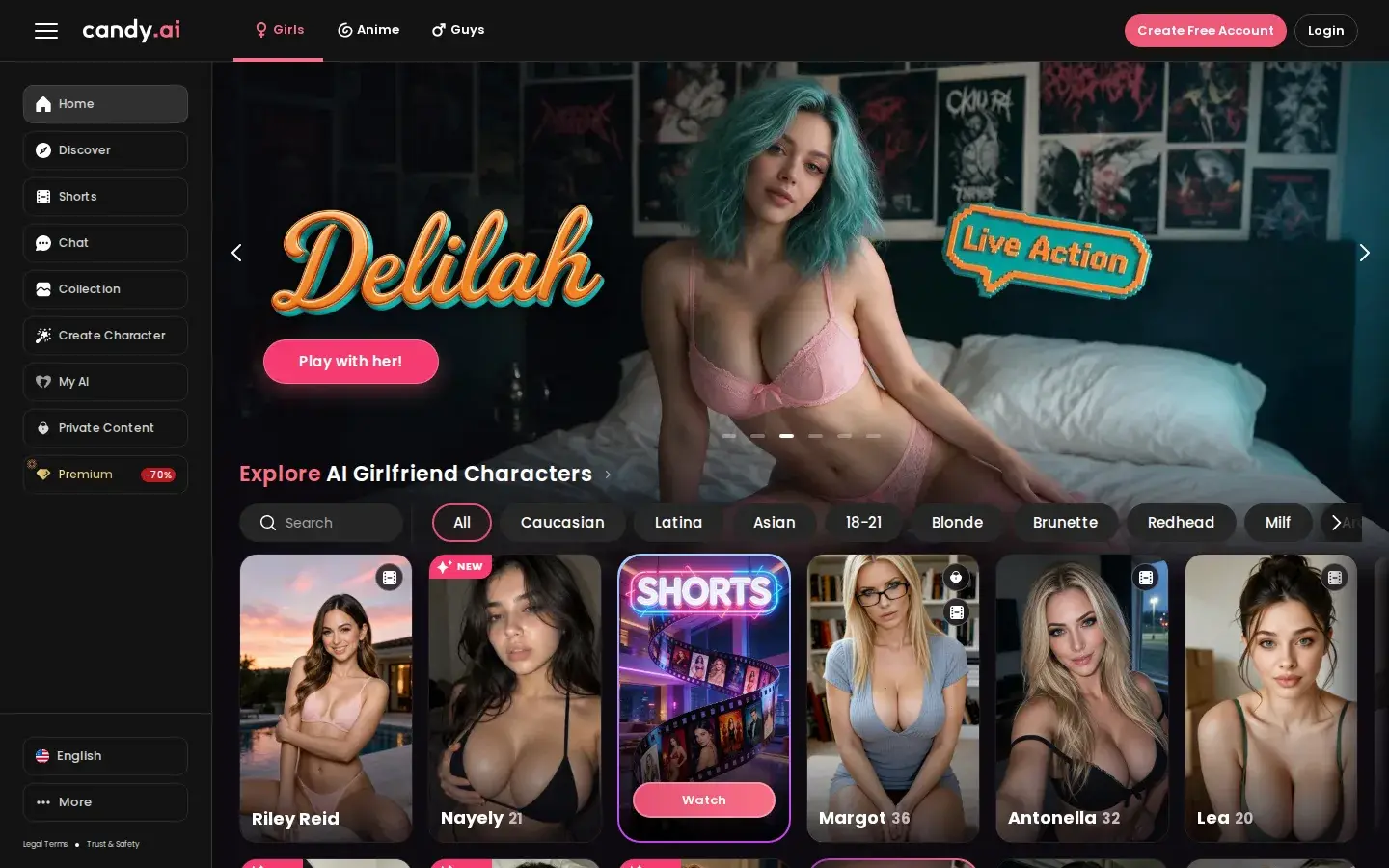
AI Chat & Companions
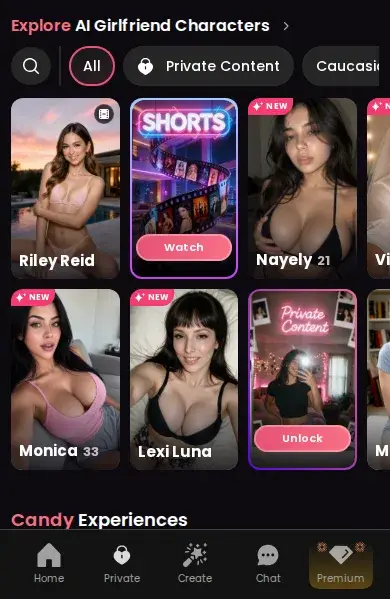
Chat, voice notes and selfies with 250+ AI girlfriends, boyfriends and anime characters.
Read the reviewFree + PremiumOpen tool ↗
CandyAI Tools · Free + Premium
There are two ways to watch video on Candy AI: generate your own clips of a character, or binge the ready-made Candy Shorts series. Here is how both work.
Also: Watch Candy Shorts free ↗
Affiliate link · 18+ · opens the official candy.ai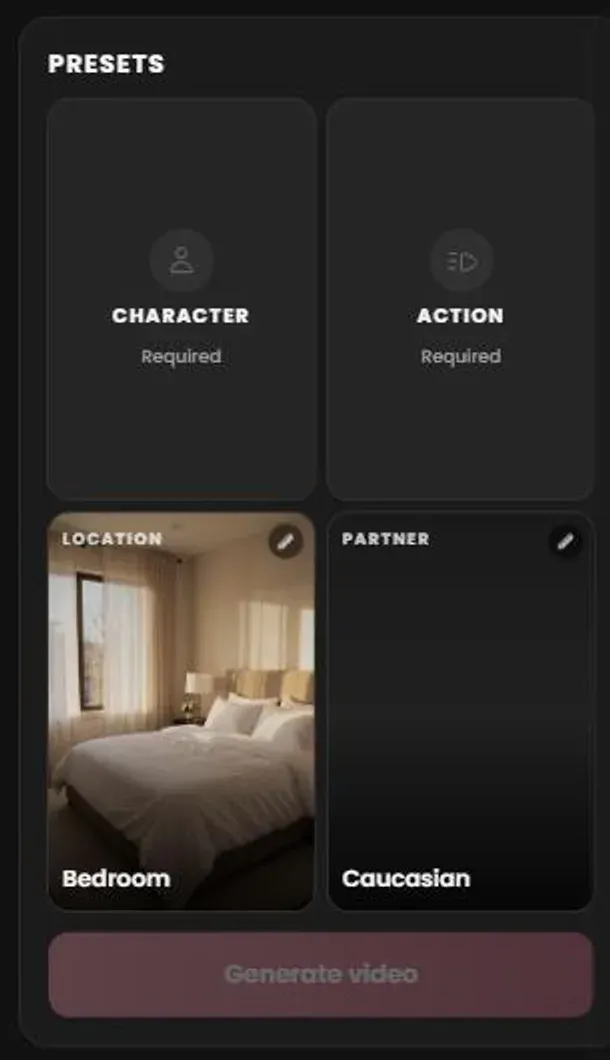
Candy AI’s newest tool, Create video, is presented as “build your own spicy movie”. You set up four presets: the character (about 80 ready-made video characters, filterable by type), the action, the location (a bedroom by default) and the partner. Then you build the film scene by scene: each scene runs 5, 10, 20 or 60 seconds, and you can chain several into one video.
Actions range from teasing solo moments, like a dance, a walk or a mirror selfie, to fully explicit scenes. The token price appears on the Generate video button before you confirm, and finished clips are saved under My generations.
Premium also lists the Full Live Action Experience and 18+ video generation among its benefits: instead of a still image, your companion moves and reacts on screen.
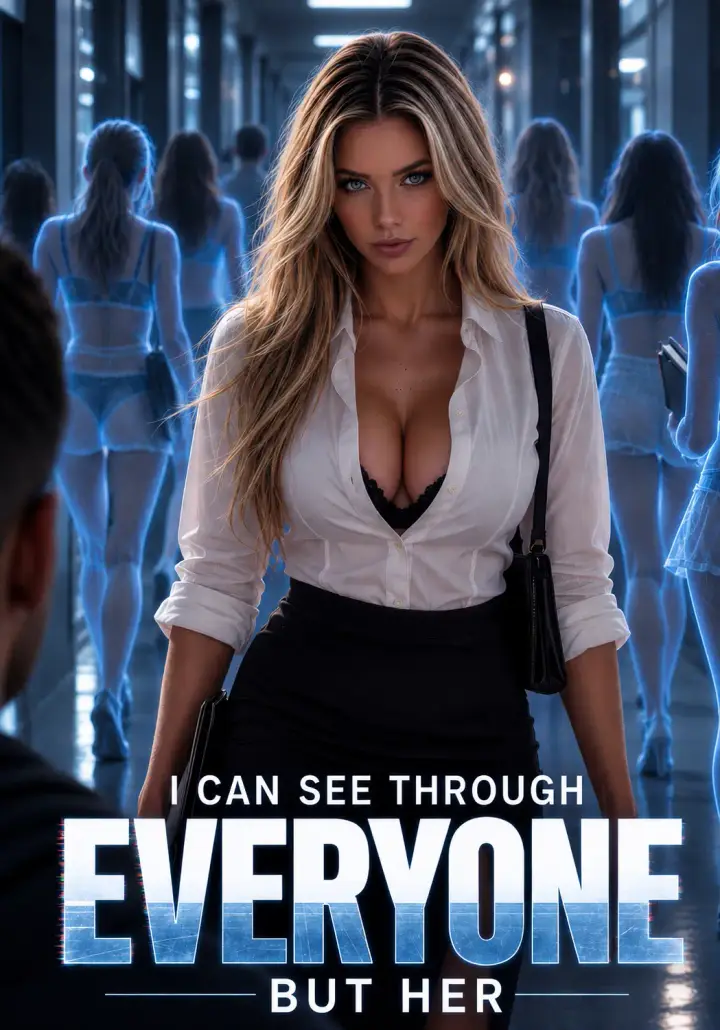
If you would rather watch than direct, Candy Shorts is Candy AI’s library of short AI-generated adult series: one-minute vertical episodes with a story and a cliffhanger. The first two episodes of every series are free, and premium episodes unlock for 12 tokens. Our ranking shows where to start.
Generated video is for personal, made-to-measure clips of your favourite character. Candy Shorts is for story-driven entertainment you can start free in seconds. Many users do both: watch a series, then continue with its lead in chat and generate a scene of their own.
Best for: Anyone searching for Candy AI videos, generated or ready-made
Feature details come from Candy AI’s official pages, checked on October 1, 2026. The tool itself needs an account, and the token price of each action is shown in the app before you confirm.
Everything else the same account unlocks.
Chat, voice notes and selfies with 250+ AI girlfriends, boyfriends and anime characters.
Read the reviewGenerate 18+ photos of any character: choose outfits, poses and backgrounds.
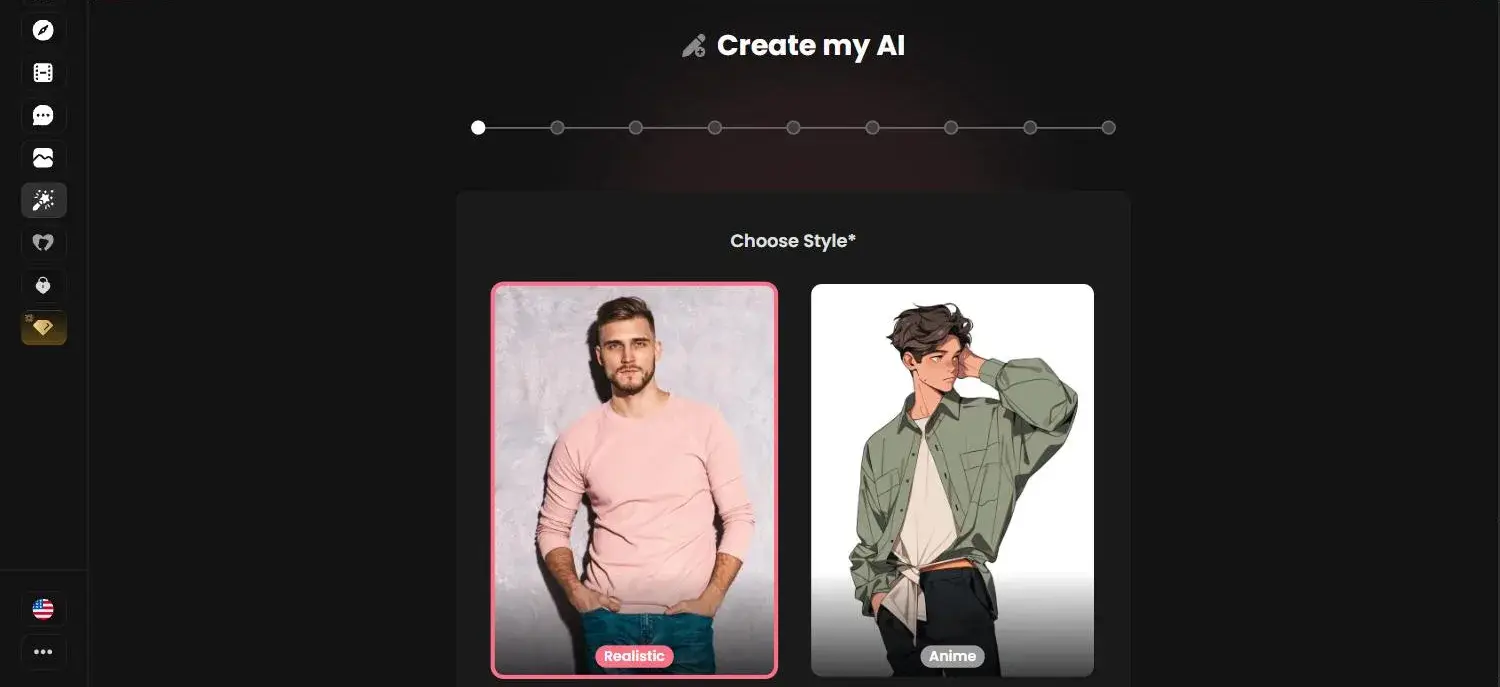
Read the reviewDesign your own AI girlfriend: looks, body, personality, voice and hobbies.
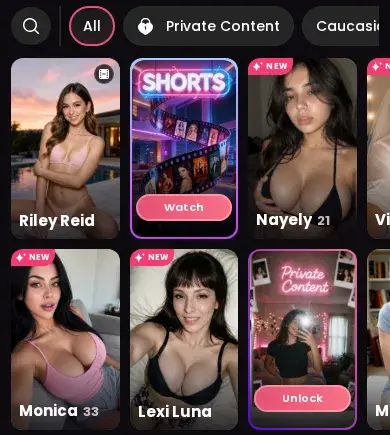
Read the reviewUnlockable content packs, a free video feed and your own private gallery.
Read the reviewInstall Candy AI on iPhone or Android in seconds, with notifications.
Read the reviewShort AI series with 2 free episodes each: our reviews of every one.
See every seriesThis site is for adults only
Candy Shorts are AI-generated adult drama series. By entering you confirm you are at least 18 years old (or the age of majority where you live) and that viewing adult-oriented content is legal for you.
Independent review site. Not affiliated with Candy AI.